
Looking for digital planner templates for commercial use? You’ll LOVE the Digital Planner Template Kit from The Secret Owl Society.
I purchased the template kit myself because I wanted to create my own digital planner without starting from scratch.
This template kit made it so much easier to design a digital planner. I didn’t have to worry about hyperlinking the tabs to the correct pages, because that was already done for me!
This post contains affiliate links. If you make a purchase through my links, I may earn a commission at no extra cost to you. Read my full disclosure here.
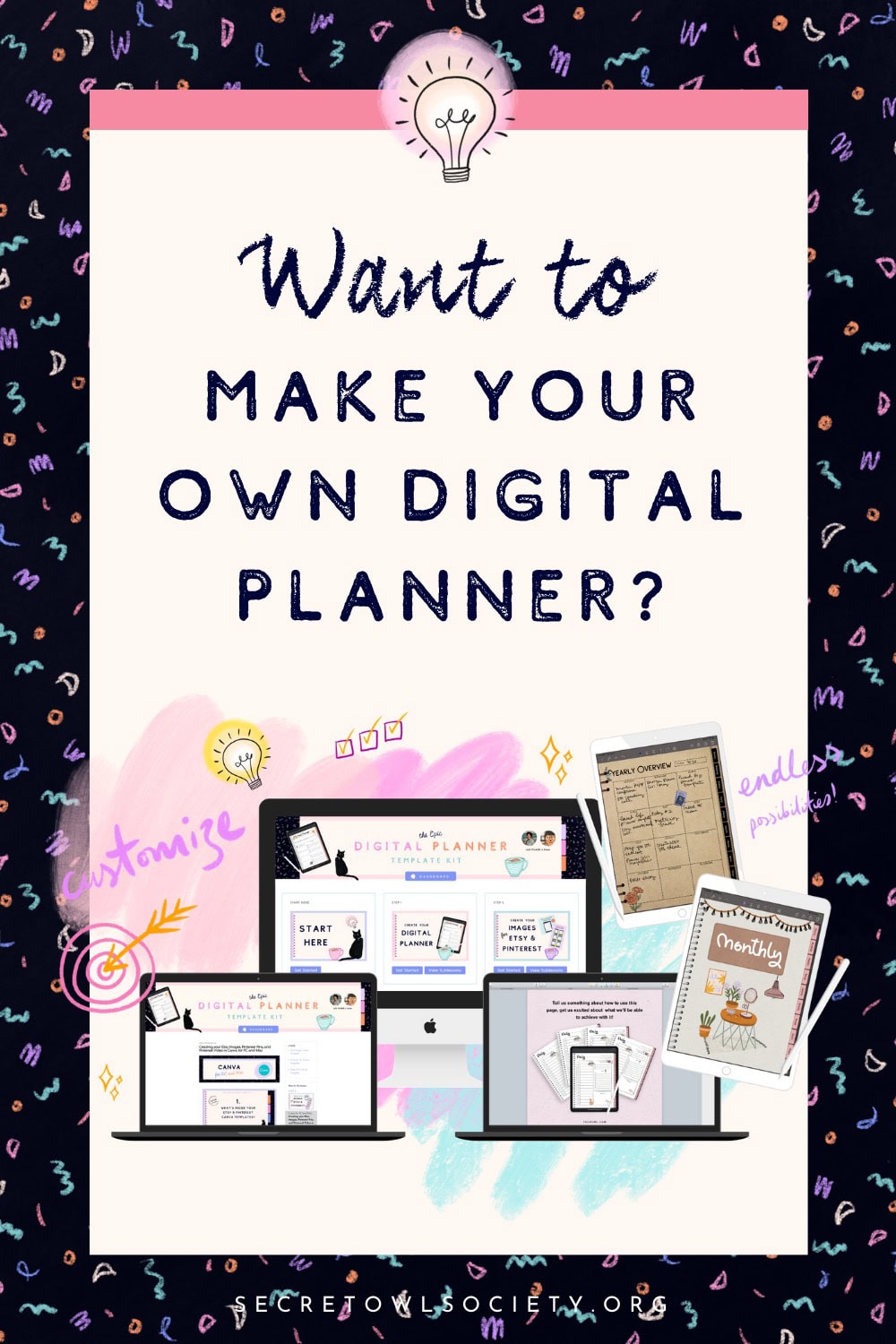
What is The Digital Planner Template Kit?
It is a kit of editable digital planner templates for commercial use. You simply have to change up the design of the planner by changing the fonts, adding clipart and digital paper, and adding your own unique touch to it. It is super fun!

How do I edit the templates?
The digital planner template kit is available to edit in Apple Keynote, Adobe InDesign, and Affinity Publisher.

Since I already own InDesign, I decided to use that to edit the templates.
Are tutorials included?
The templates come with a hub where there are tons of step-by-step tutorials showing you how to customize your planner.

I was intimidated at first because I’ve never designed a digital planner before, but the tutorials from Aimee and Michelle were so helpful and easy to follow that anyone can do it. I even learnt new things about InDesign and improved my skills!
How to create a digital planner to sell
The Digital Planner Template Kit comes with a commercial-use license which means that you can sell your finished digital planner as a PDF in your Etsy shop or own website.
You simply edit the templates by changing the fonts and adding graphics and patterns. Then you export it as an interactive PDF. Instructions on choosing the best export settings is included in the course.
* Note that you cannot sell the template files themselves.

How do you make a cute digital planner?
Since the layouts are already done for you, you can let your creativity go wild and design something you’ll love.
You will need some cute graphics and fonts to make your digital planner look cute. You can get these on various websites like Creative Market.
Then, you’ll insert these graphics onto the templates and change the fonts. Soon you’ll have a digital planner that reflects your style.
What I created
So far, I’ve created 3 digital planners using the template kit. You can see them below:


Would I recommend buying the Digital Planner Template Kit?
If you want to create a digital planner for yourself or to sell in your shop, I would definitely recommend starting with this template kit.
You’ll be saving yourself a ton of time and frustration. I am an affiliate for the kit, but I only recommend resources I use myself.
Design your own digital planner from scratch
Want to design your digital planner from scratch instead? I recommend the PDF Glow-Up Course, also from The Secret Owl Society. I just love everything Michelle and Aimee create!
Do you have any questions about the template kit? Leave them below and I’ll get back to you.


hello! can I create my own and add pages to this planner?
Hey Jennifer, yes you can add your own pages to this planner.