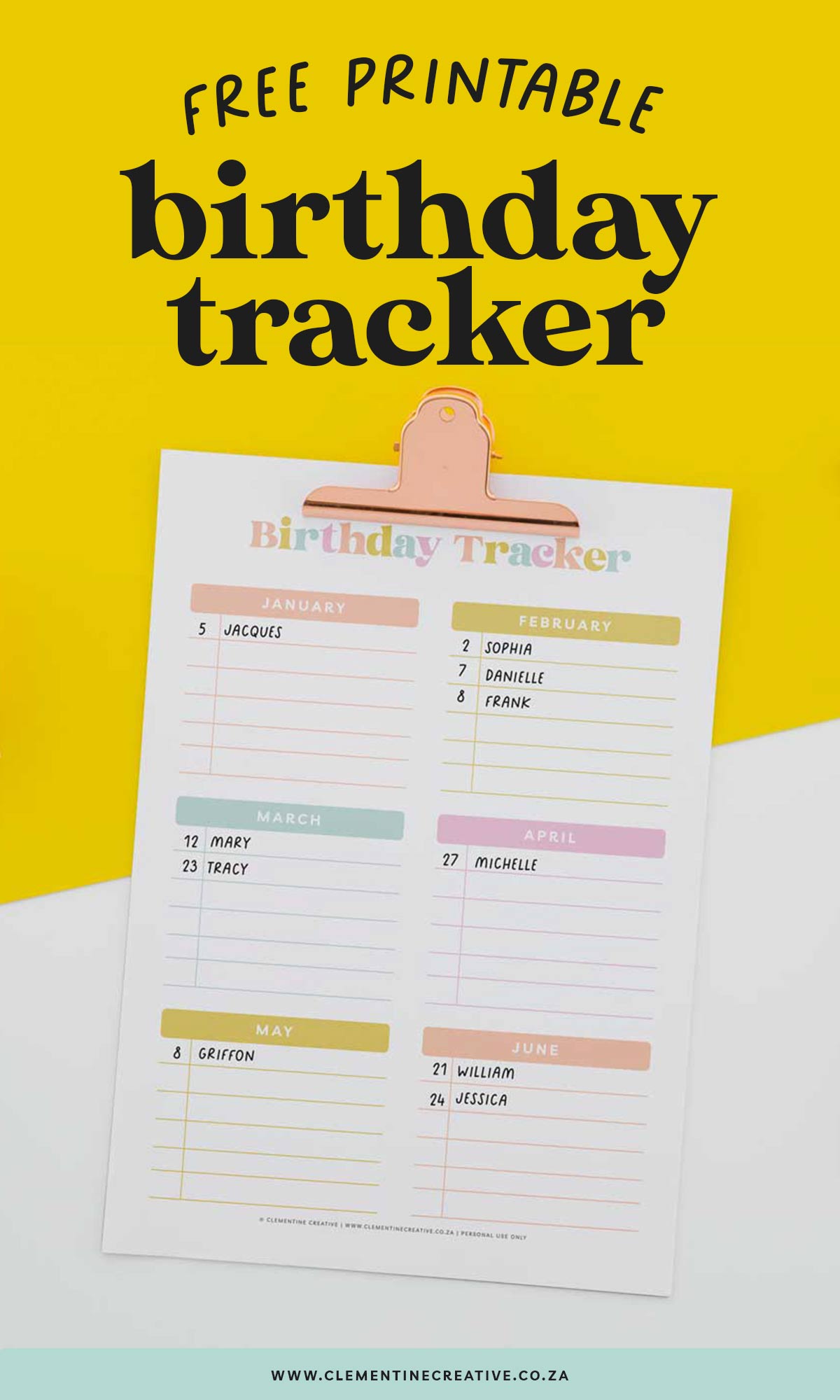
Are you looking for a calendar for birthdays that you can print out? You’ll love these colourful birthday calendar trackers! Not only can you use them for friends’ and family’s birthdays, but for also for classroom birthdays, important dates and special occasions too.
Birthdays are a time to celebrate, but they can also be a lot of work. Between buying birthday presents and planning birthday parties, it’s easy to get overwhelmed. That’s where a birthday calendar tracker comes in handy.
A birthday calendar tracker can help you keep track of all the birthdays of your friends and family, making it easier to celebrate them all. Plus, using one has benefits that you may not have considered before.
This post contains affiliate links. If you make a purchase through my links, I may earn a commission at no extra cost to you. Read my full disclosure here.
What is a birthday calendar tracker?
A birthday calendar tracker is a tool that helps you keep track of all the birthdays of your friends and family.
It’s a great way to make sure you don’t forget anyone’s birthday, and it can also help you keep track of their birthday so you can plan ahead.
Plus, if you’re the forgetful type, a printable birthday calendar can help you remember to send birthday cards or gifts ahead of time.
Related posts:
Free printable birthday cards to colour

How to use a birthday calendar tracker to keep track of your friends and family’s birthdays
There are a few different ways you can use a birthday calendar template. The most common way is to simply write down the birthdays of your friends and family members on the calendar. This is a great way to make sure you don’t forget anyone’s birthday, but it can also be time-consuming.
If you have a lot of birthdays to keep track of, you may want to consider using a blank calendar template that allows you to input the information onto a printable you can keep somewhere handy.
This can save you a lot of time, and it can also make it easier to share birthday information with other people.

What does a birthday tracker need?
Planning birthday parties can be a daunting task, especially if you have multiple children or a large extended family. That’s where a birthday tracker template comes in handy. All you need is an area for each month and lines to record the date and the person’s name.
However, some additional features can make your birthday tracker even more helpful. Color coding by family or relationship is a great way to easily keep track of who needs celebrating.
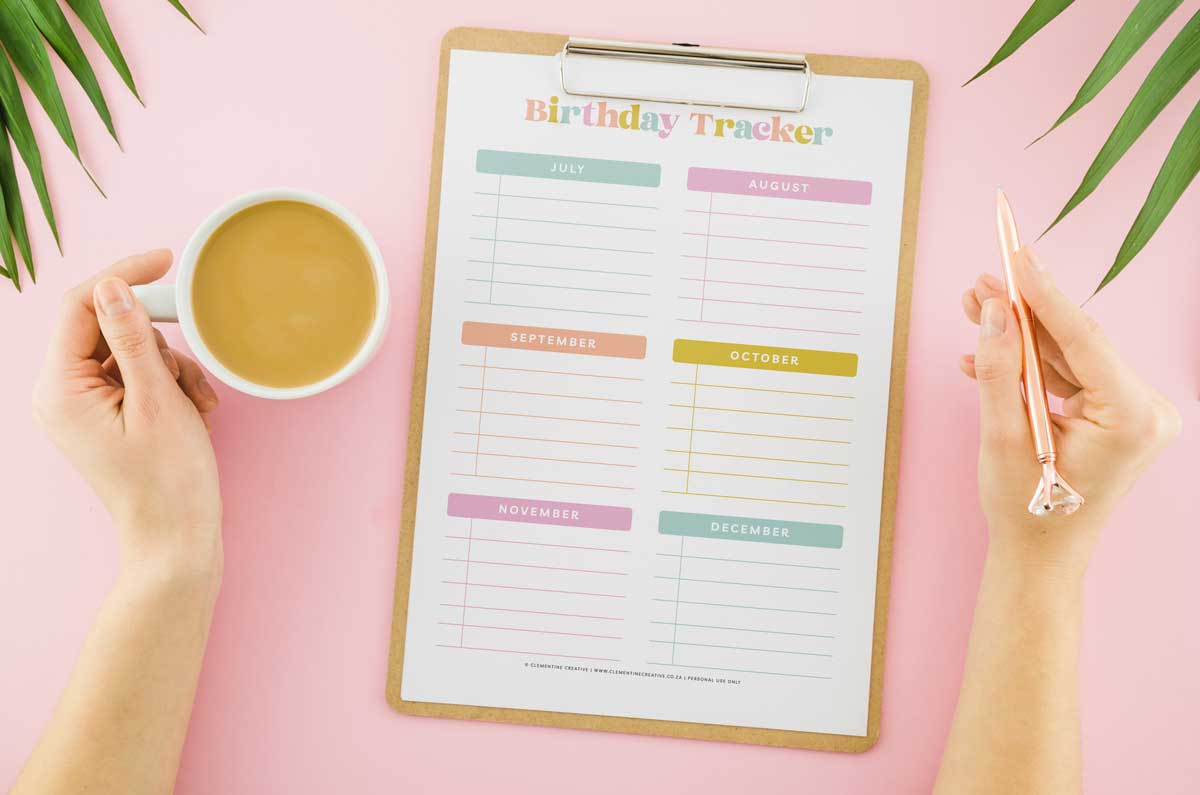
Having space to add notes about gifts purchased or party plans in progress can also come in handy during hectic times.
And don’t forget to include important holidays, so you’ll never forget Mother’s Day or Father’s Day again! With these simple additions, your birthday tracker will be a useful tool for years to come.

Free printable birthday calendar tracker
The easiest way to get a simple and easy-to-use birthday calendar tracker is to download this free PDF!
Our tracker is brightly colored and is just spread over two sheets so you can easily pin it to the wall.

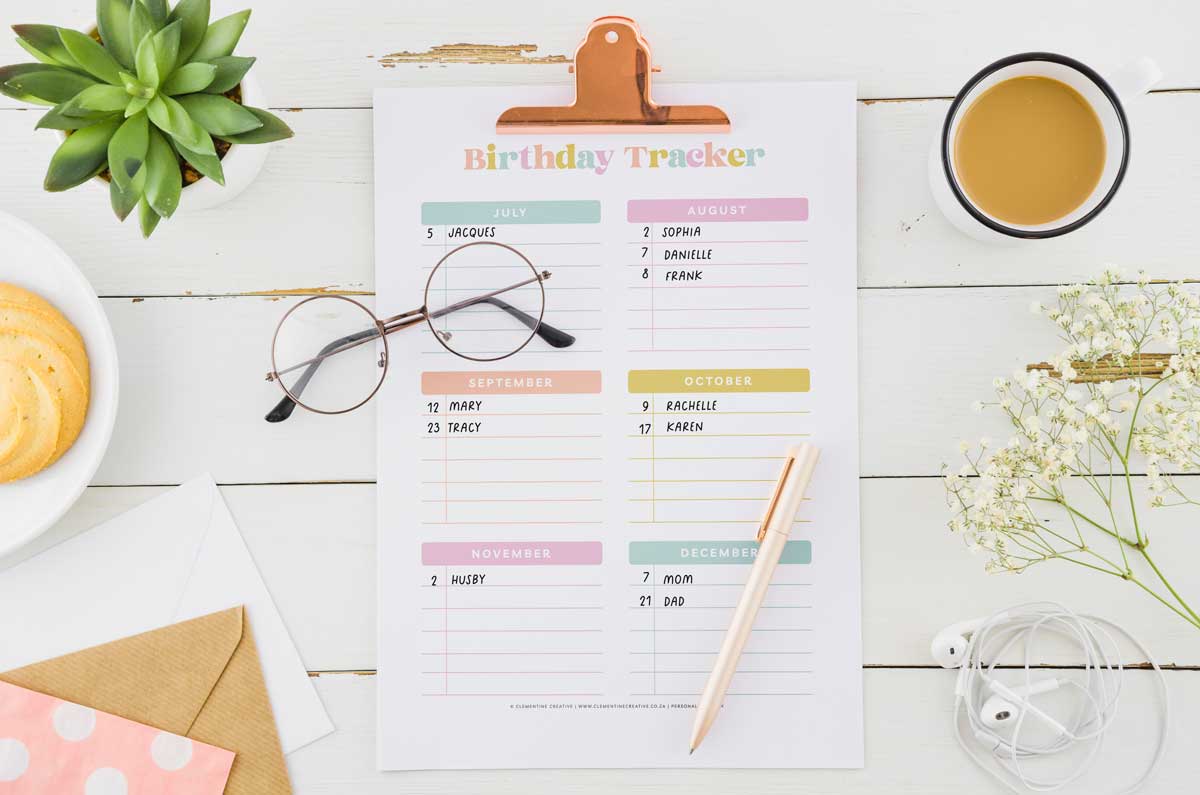
There’s a series of lines for each month to add the date, whose birthday it is, and even a few notes.
It can be printed in A4 or US letter size to fit into a family binder or a larger planner.
Download it below and never miss out on a birthday again!
How to print this birthday list PDF
- Download the PDF file below.
- Open the PDF file in Adobe Reader or Mac Preview.
- Go to File – Print. In the print settings window, choose “Fit” under Page sizes and handling.
- Print as many copies as you need on card stock. No cutting is necessary.
- Stick it to your fridge or file in your binder.
- Write down any upcoming birthdays on the blank template.
Here are the print settings you can use:

If you’re using Adobe Reader to open the file, the print settings look similar:


Download the birthday calendar below
Terms of Use: Please note that all designs on my site are for personal use only, and may not be sold, altered, redistributed or claimed as your own. A lot of hard work has gone into making these. Thank you for respecting my terms!
How to print two pages on one sheet of paper
Do you want two mini birthday trackers in A5 size or 8.5 x 5″ size? It’s easy to do.
If you’re using Preview on a Mac, all you have to do is choose 2 copies per page. You’ll then print two smaller birthday trackers on one page.

If you’re using Adobe Reader to print, In the print settings window, choose Multiple. Two pages per sheet, vertical page order and portrait orientation. You’ll see the preview window update to two copies on one sheet!

Alternatively, you can import it into Goodnotes or Noteshelf on your iPad.
If you want to resize this printable, check out my post on how to scale printables down.
I hope you enjoy using this cute birthday tracker printable and that it helps you to remember friends’ and family’s birthdays.
Pin the image below to Pinterest to save this post for later!